Summary Operands Asp.Net MVC Helper (.net core)
New Discussion
Hi There,
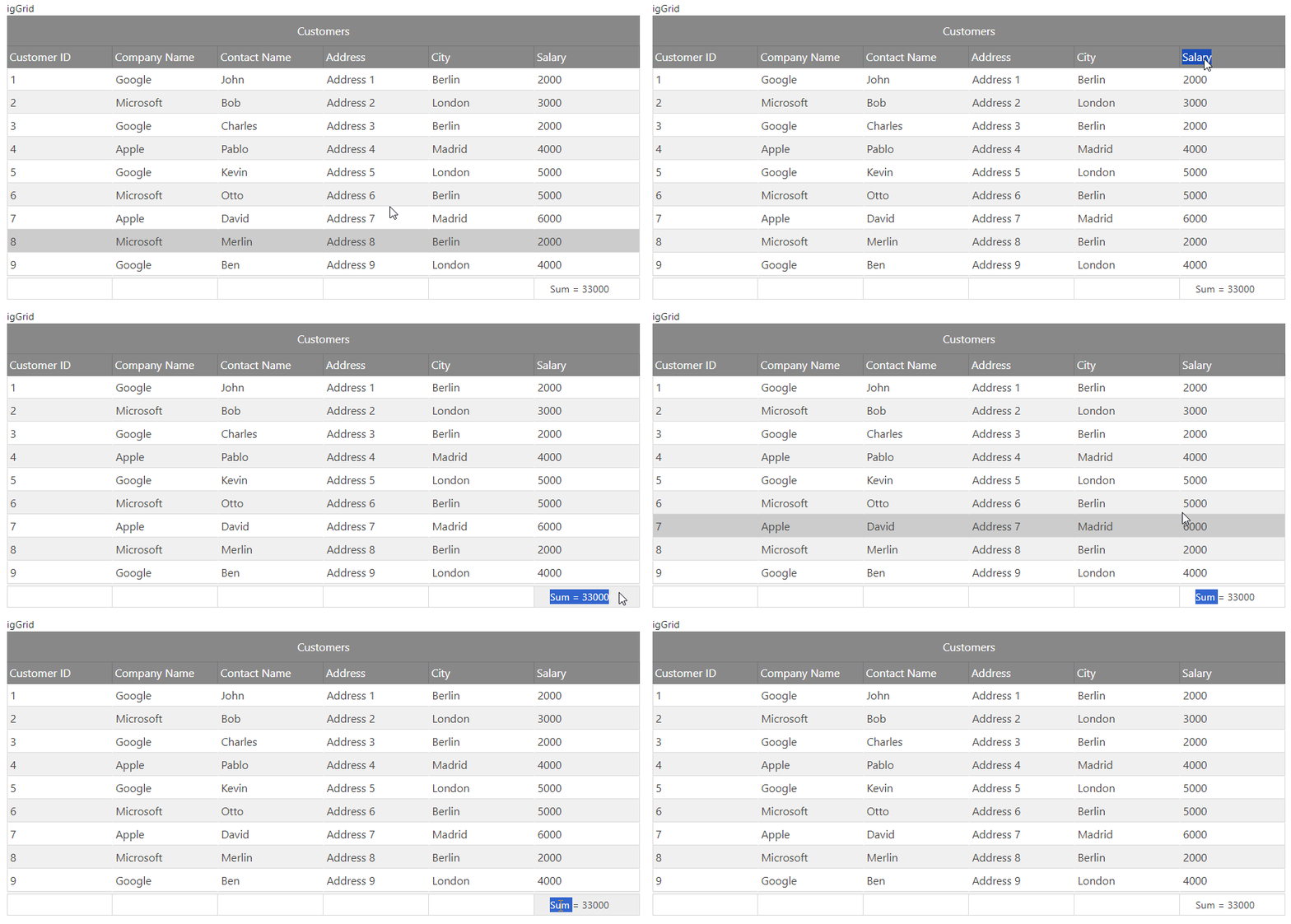
I’m using the Summary feature of the grid, but i just want to display the Sum operand, not all of the values.
How can i go about doing this? IT’s a basic sum operation on the grid fields. Can i override the summary displays to include just the Sum total?
Here’s the code snipped in cshtml
features.Summaries().Type(OpType.Local).ColumnSettings(settings =>
{
settings.ColumnSetting().ColumnIndex(0).AllowSummaries(false);
});
Sign In
to post a reply
Replies


- You must be logged in to reply to this topic.
Discussion created by
Favorites
Replies
Created On
Last Post
Discussion created by
 Andrew Wigglesworth
Favorites
0 Replies
2 Created On
Dec 07, 2025 Last Post
1 year, 11 months ago Suggested Discussions
DISCUSSION
VIEWS
REPLIES
LAST POST
ASP.NET Core MVC Data table binding
Hi , We are trying to bind data table ignite grid for ASP.NET Core MVC but its not binding data and…

VIEWS
183,028
REPLIES
6
LAST POST
4 years, 2 months ago Regarding igvalidation in iggrid in asp.net core mvc
Hello everyone, So , I created a mvc project to bind and display data in igrid. The data bin…

VIEWS
355,845
REPLIES
5
LAST POST
2 years, 11 months ago Ignite UI Dock Manager in ASP.NET MVC (.NET Framework)
How do you add the Ignite UI Dock Manager to an ASP.NET MVC (.NET Framework) app? I tried the techn…


VIEWS
380,082
REPLIES
4
LAST POST
3 years, 1 month ago IGX Grid Summary custom html class for each column summary
Inside IGX grid have custom Summary for each column. I need to align (Right, Left) the summary depe…

VIEWS
98,228
REPLIES
1
LAST POST
3 years, 11 months ago 