Infragistics Blogs
Get the latest trends in low-code, app development, product updates and more. Here we share our knowledge, best advice, how-tos, research, insights, and more - all with the aim of helping you learn how to build better apps faster.


Ignite UI for Angular Grid is the fastest data grid available. It not only helps to run applications faster but also allows you as a developer to write applications faster.

How you present data to the user is essential. Often you cannot present data as it is from the data source to the viewer.

In Angular, it is essential to know how components communicate with each other. If you use a component inside another component, they create a parent child relationship. In such a scenario, parent and child components communicate to each other in following ways: You can learn in detail about @Input here and @Output here. In this […]
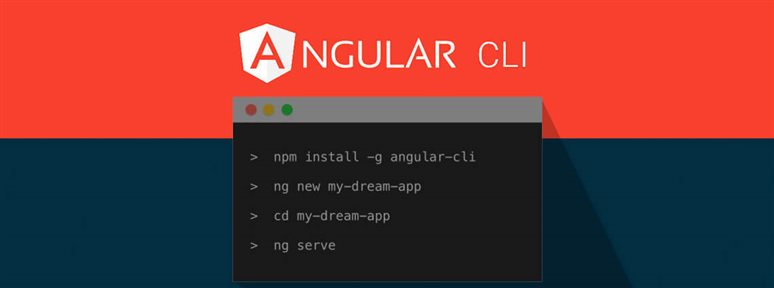
So you want to write your first Angular application, however setting up even a ‘Hello World’ Angular application is not easy.

In this blog post, let us learn that how Column Hiding can be enabled in IgniteUI for Angular Grid.

Learn about content projection in an Angular element with slot in Angular 7.
Handling Angular data binding may be time consuming and sometimes even too complex. This blog post will show you how to simplify the process effectively.

In Angular, you can pass data from parent component to child component using @Input() decorator, and a child component can emit an event to a parent comment using @Output() decorator.


In the next article of this series, you will learn how to implement your Firebase configuration in details.

An Angular Service provider delivers a runtime version of a dependency value. Therefore, when you inject a service, the Angular injector looks at the providers to create the instance of the service.