tree-grid vs hierarchical grid
New Discussion
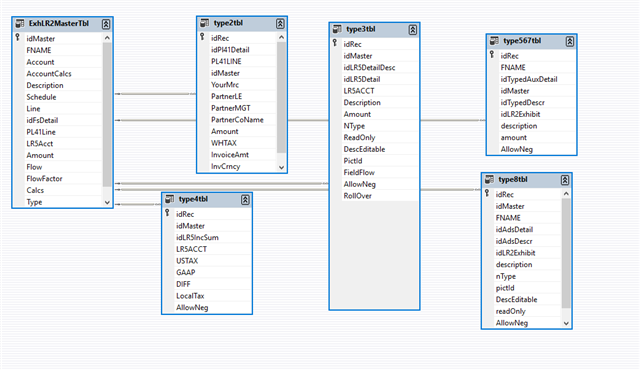
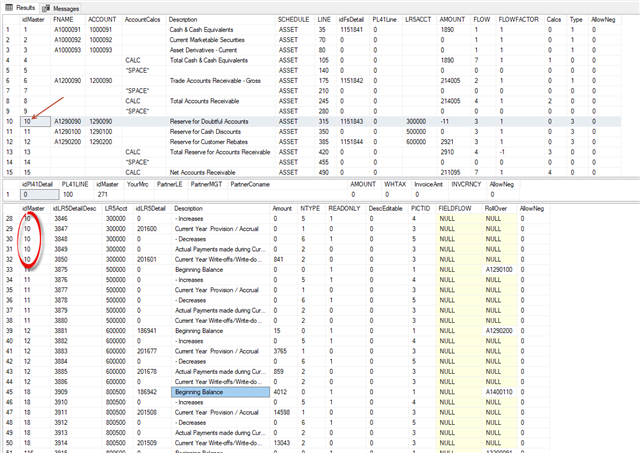
if you can point to article or describe in short paragraph what is the major difference between tree-grid and h-grid. What one has that another does not. Seems like both support hierarchical data structure representation.. I am starting project presenting hierarchical data where child records for different parents will have several data structures types.. wonder which one would fit better.
Thanks
Sign In
to post a reply
Replies

- You must be logged in to reply to this topic.
Discussion created by
Favorites
Replies
Created On
Last Post
Discussion created by
 Michael Seidel
Favorites
0 Replies
5 Created On
May 28, 2020 Last Post
6 years, 4 months ago Suggested Discussions
DISCUSSION
VIEWS
REPLIES
LAST POST
Igx-Hierarchical-grid – Add Row to Top of Grid and Above and Below a selected Row
Hello, I have a requirement for my current project to be able to add Rows to the Top of an Hierarch…

VIEWS
152,257
REPLIES
12
LAST POST
7 years ago Igx tree grid & grid column header modifications
Hi team, Our project has requirements due to which there is a need to modify column headers in IGX …

VIEWS
164,228
REPLIES
5
LAST POST
4 years, 4 months ago Display a Button in Hierarchical Grid Rows
Hi All, I need assistance where i have a requirement for display data in tabular form which iam abl…

VIEWS
123,860
REPLIES
9
LAST POST
6 years, 8 months ago Special characters in primary key column is giving exception in hierarchical grid
Hi Team, We have Business Services REP as parent. Once we expand Business Services REP, we w…


VIEWS
104,244
REPLIES
7
LAST POST
6 years, 7 months ago 