Infragistics Blogs
Get the latest trends in low-code, app development, product updates and more. Here we share our knowledge, best advice, how-tos, research, insights, and more - all with the aim of helping you learn how to build better apps faster.


Ignite UI CLI 15.0 turns every new scaffold into an AI-ready workspace — shipping a built-in MCP server, generate-from-image design skills, and pre-wired agent configuration for Angular, React, and Web Components.

From Grid PDF Export, allowing you to export data from IgrGrid, IgrTreeGrid, IgrHierarchicalGrid, and IgrPivotGrid to new Intl-based rendering pipeline and more. Here are the latest updates in your toolbox.


Material UI remains the default option for many developers and teams. But what happens when you look for enterprise-grade capabilities and tools that empower you to build data-heavy applications?
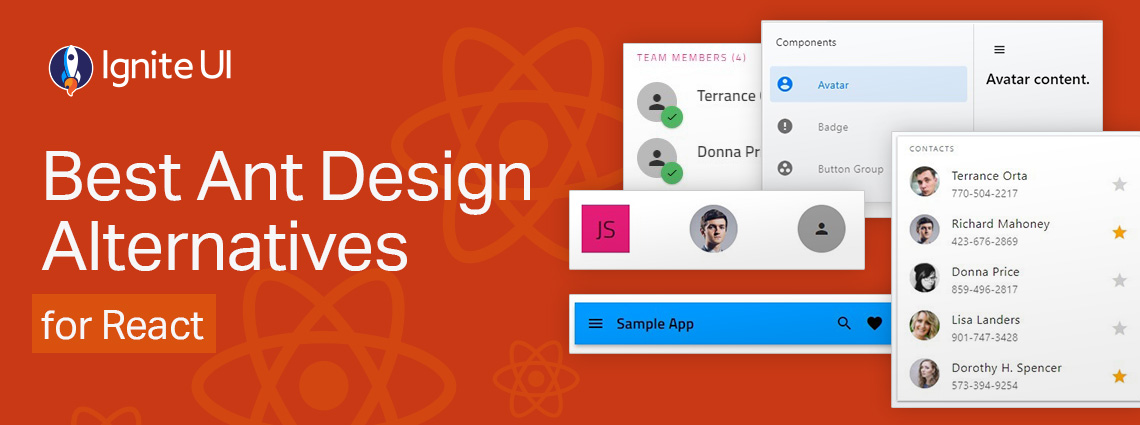
Is Ant Design really enough when you have to build more complex, data-rich and modern-looking applications? Are grid controls comprehensive enough and do they deliver the required features and performance?


Whether you’re building dashboards, internal tools, analytics apps, or customer-facing software, a React PWA built with Ignite UI will deliver a highly responsive, installable, offline-ready experience with far less development effort.
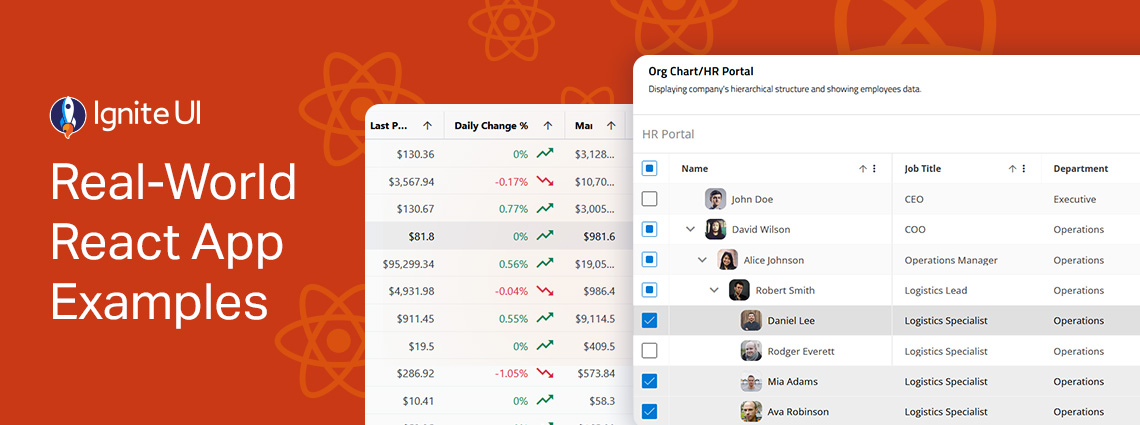
Explore the design patterns and UI components, get inspired, inspect the code, and learn how to integrate or customize each of these React samples. From business and organization applications to collaboration and productivity projects.

To help you get a clear view of what a Grid can do, I’ve put together 5 React Grid examples built with Ignite UI for React. These React sample apps will show you how different grids perform in real-world scenarios, including powering sales dashboards, managing large-scale ERP systems, and more.
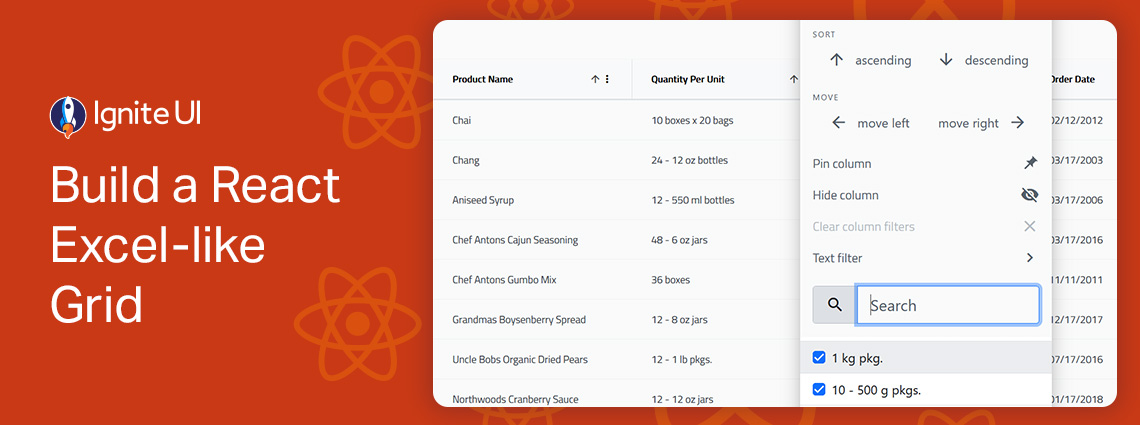
Building a React Excel-like grid isn’t easy but Ignite UI for React makes it surprisingly simple. In minutes, you can integrate a feature-rich, high-performance grid that supports sorting, filtering, editing, Excel-like navigation, and Excel export.

From well-styled design systems to customizable components that give you full control, the React ecosystem offers a wide range of options tailored to different projects and development needs. But which one leads the charts? Here are our top picks.

When selecting a React data grid, in addition to performance and price, you should also consider how real users will interact with it and what features you will need to match app requirements and users’ expectations. Features like Advanced Filtering, State Persistence, Keyboard Navigation, and Export to Excel aren't just a necessity.