

Infragistics Blog

What's New in Infragistics Ultimate 26.1
Infragistics Ultimate 26.1 ships a complete AI toolchain - Agent Skills, the Ignite UI CLI MCP server, and the Theming MCP server - across Angular, React, Web Components, and Blazor. The release also introduces Grid Lite, a free MIT-licensed open-source data grid, grid scroll performance gains of up to 150% FPS at 100k rows, PDF export for every grid family, a new Intl-based i18n engine, and new components including IgbQueryBuilder.

What's New in Ignite UI for Angular 22.1
Ignite UI for Angular 22.1: full zoneless support, tree-shakable scoped component styles that roughly halve pre-built themes, strict TypeScript typings, and removal of the hammerjs peer dependency.
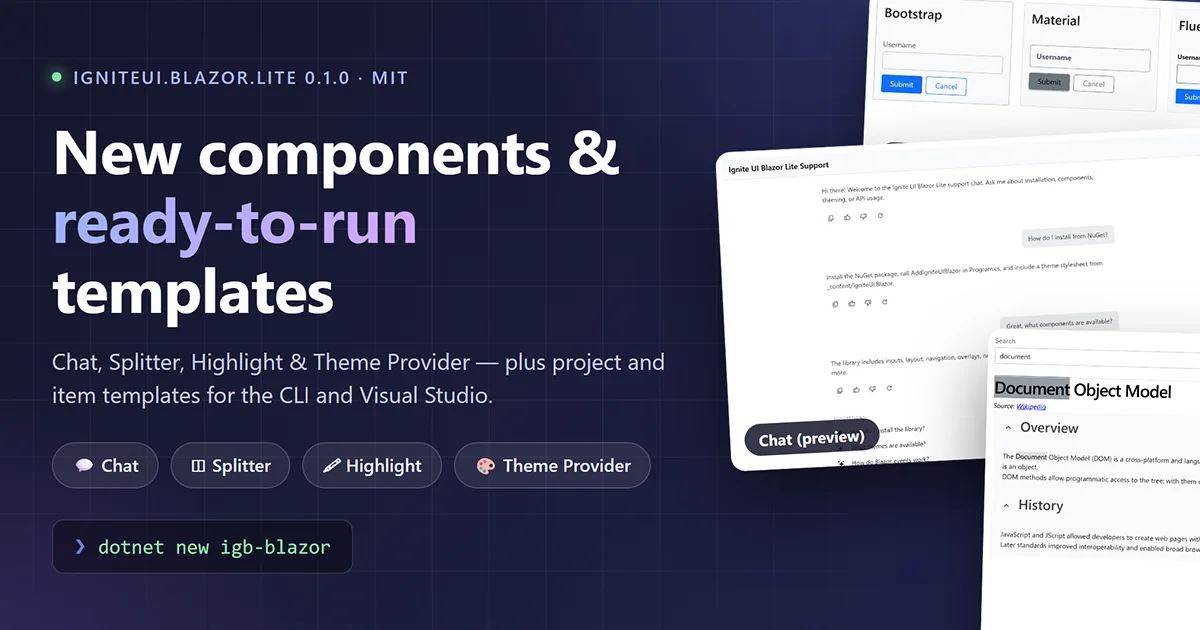
Ignite UI for Blazor Lite 0.1.0: New Components and Project & Item Templates
Chat, Splitter, Highlight and Theme Provider join the free Ignite UI for Blazor library — along with new dotnet new project and item templates to help you (and your friendly AI agent) hit the ground running.
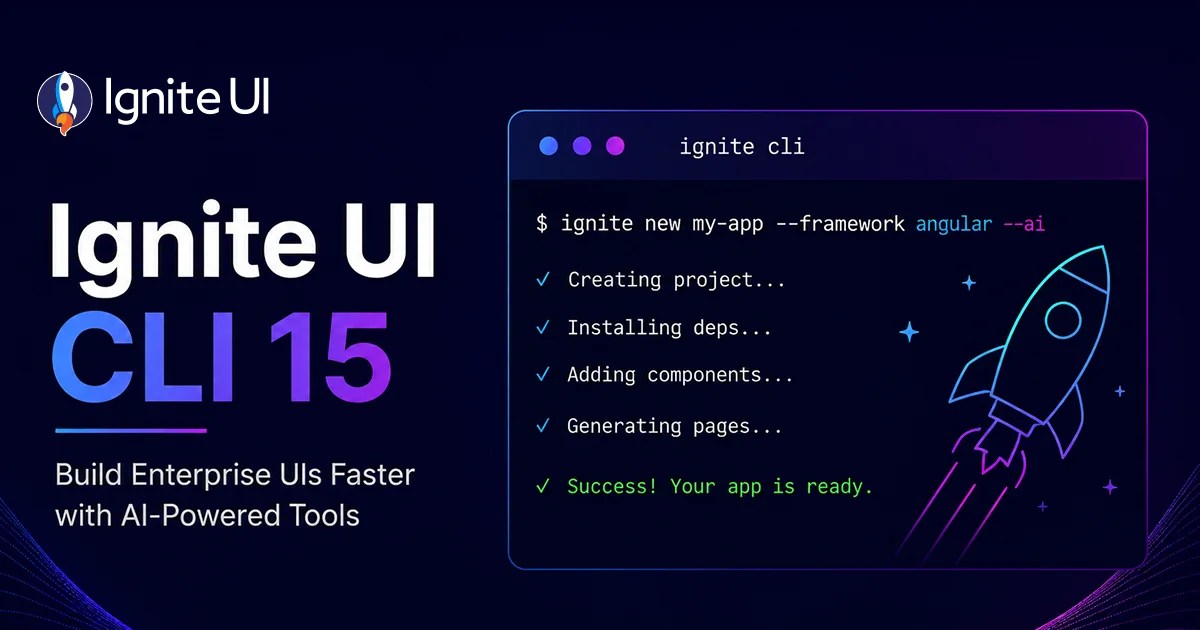
Ignite UI CLI 15 – MCP Server, ai-config & Blazor Scaffolding
Ignite UI CLI 15 (releases 15.0.0 through 15.5.0) turns the CLI into the setup layer of the Ignite UI AI-assisted development toolchain. Highlights: the Ignite UI CLI MCP server with documentation and API lookup for AI assistants across Angular, React, Web Components, and Blazor; the ai-config command for one-command Agent Skills and MCP configuration; Blazor project scaffolding via dotnet new igb-blazor; and modernized Angular templates on signals and Angular 22. CLI 15.0.0 removes the legacy igx-ts-legacy, ig-ts, and igr-es6 project types.

Ignite UI MCP Testbed: An Open-Source Bench for Measuring What Your AI Agent's Tooling Actually Does
The Ignite UI MCP Testbed is a free, open-source end-to-end testing suite that runs one shared prompt across a matrix of supported platforms, AI models, and tooling variants, then lets you compare the results side by side. It currently covers web app generation tests against Angular, React, Blazor, and Web Components. Every run can include scenario-specific Playwright verification tests. No account, no license, no breaking changes - clone it and run your first test matrix today and evaluate how your AI agent skills and MCP servers perform.

MCP vs RAG: AI Documentation Retrieval Benchmark
MCP vs RAG is the central tradeoff this report measures: retrieval-augmented generation over a static vector index is the default architecture for AI documentation assistants, but it degrades silently as source documentation changes faster than the index is rebuilt. This report benchmarks that architecture against a Model Context Protocol (MCP) server that queries Ignite UI documentation and API definitions, using Anthropic Claude as the orchestrating model in both configurations.
MCP vs RAG: 100-Query Benchmark Reveals the Costly Winner
MCP vs RAG: MCP-based retrieval beats a vector-indexed RAG on grounding and citation depth, but it's slower and more expensive. Use it for correctness-critical requests; keep RAG for high-volume, latency-sensitive ones.

Free AI Model for Ignite UI Code: 32-Test Benchmark
A 32-test benchmark pitting a paid AI model (claude-sonnet-4-6) against a free one (big-pickle) on the same Ignite UI authentication build across Angular, Blazor, React, and Web Components. Both tied at 94% - the free model got there because Ignite UI MCP servers and Agent Skills supplied the exact component APIs and icon names it lacked. Web Components is the one case where the MCP server is required, not optional.

Ignite UI for Angular 22 Released - Derived Grid Themes
Ignite UI for Angular 22 ships derived themes for the Data Grid - set three color properties on grid-theme() and nested buttons, inputs, chips, and scrollbars realign automatically - plus a dedicated excel-filtering-theme() function and an updated Select dropdown position. Two default changes need attention on upgrade: input type is now box (ng update preserves the old line look), and Select positioning moved to AutoPositionStrategy.

Ignite UI for Blazor 26.1 - Agent Skills, MCP, Grids & New Components
Ignite UI for Blazor 26.1 brings the AI-assisted development toolchain to Blazor - four Agent Skills plus official CLI MCP support (documentation and API) for GitHub Copilot, Cursor, Claude Code, and JetBrains AI - and adds grid scroll-performance gains. It also ships three new components - the IgbChat preview, IgbSplitter, and IgbHighlight - plus a Dock Manager 2.1 update with two-way Layout binding and new pane and tab events. No breaking changes; supports .NET 8, .NET 9, and .NET 10.